
 Optimizing your image for the web is very important when you are creating an online portfolio on a Facebook page. Here are the steps on how to optimize an image for the web using Adobe Photoshop.
- Open your image using your Adobe Photoshop application.
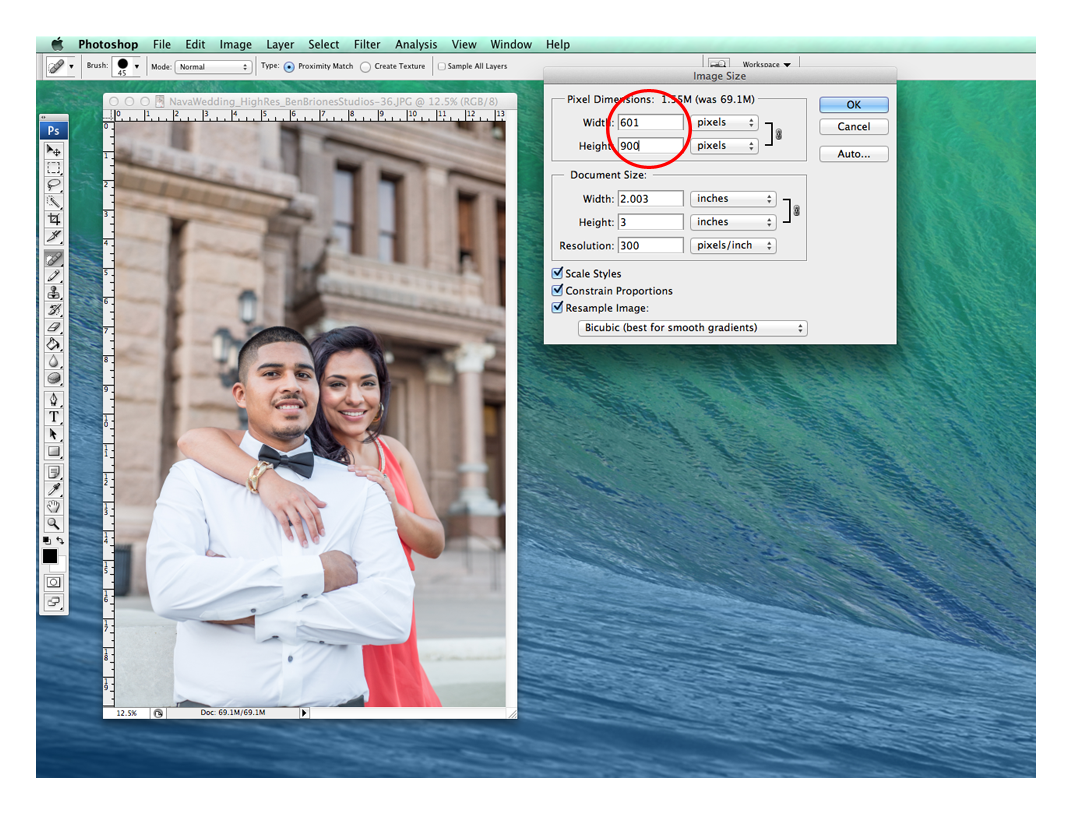
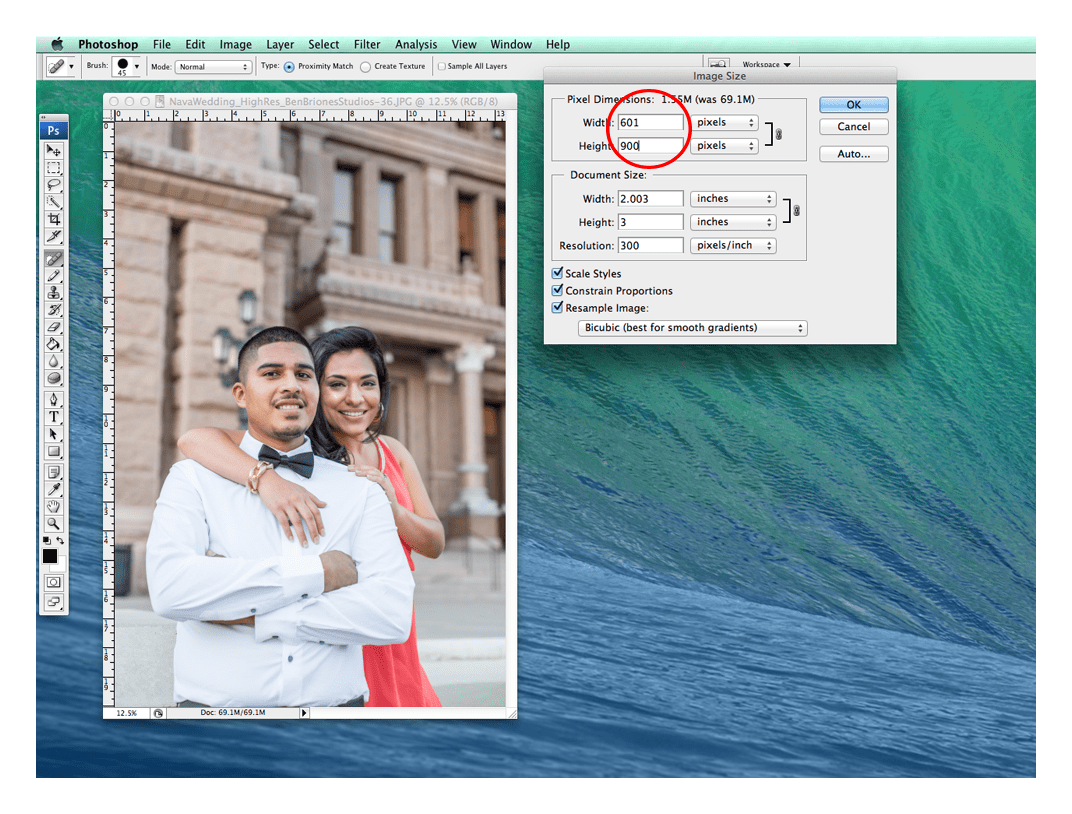
- Resize the image by going to IMAGE > IMAGE SIZE from the menu bar and resize your image to 900 pixels in height and click OK.
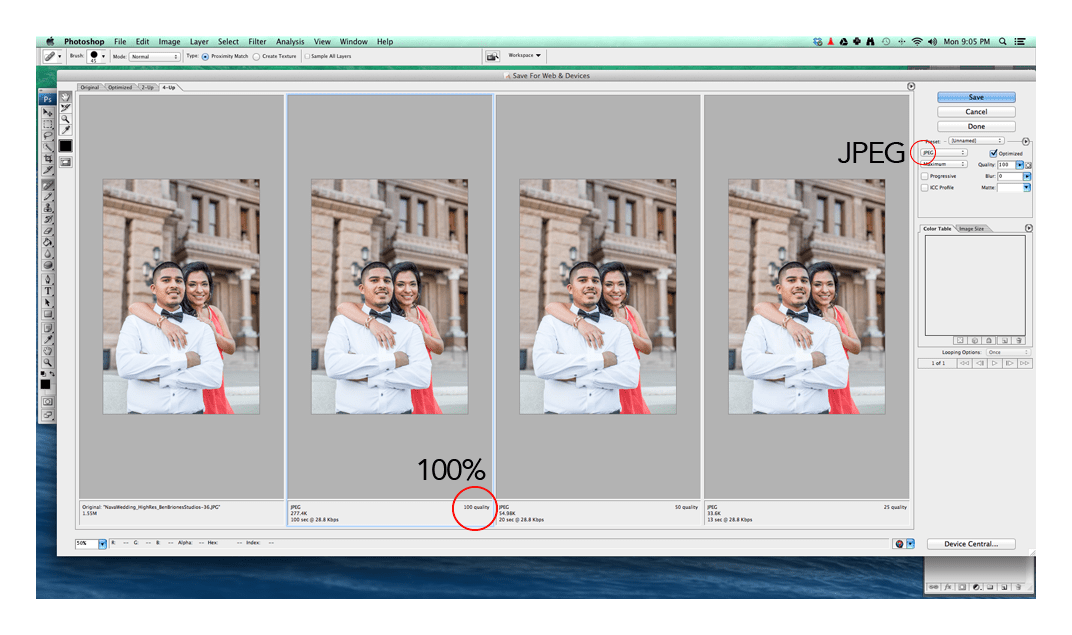
- Go to FILE > SAVE FOR WEB & DEVICES. Make sure you choose the JPEG option and 100% on the quality. The OPTIMIZED check-box should be checked off.
Those are the basic steps to optimize an image for the web using an Adobe Photoshop application.
Leave a Reply