
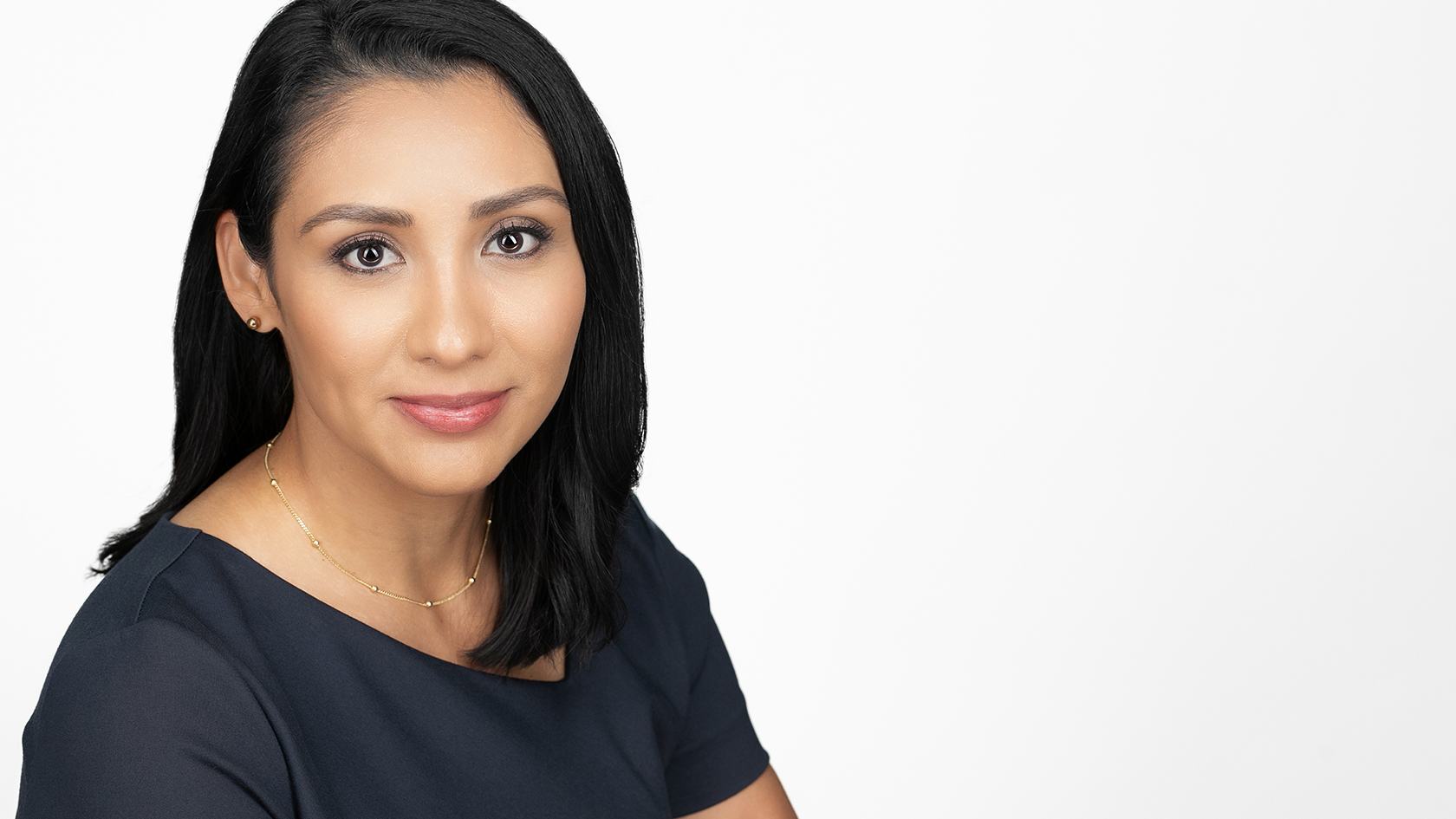
In today’s business world, your professional headshot is often the first impression others have of you, whether you’re a business professional, artist, real estate agent, or attorney.
Here’s how our photo studio creates dynamic professional headshots, step by step.
Step 1: Headshot Purpose and Usage
How are you going to use your professional headshots?
This is important because it will allow us to make suggestions on clothing selections, backdrop colors and poses.


Step 2: Select Backdrop Color


Choose a backdrop color: This part of the process depends on which headshot package you get with us and again how you will be using your photo.
- A white backdrop is good for website profile, Linkedin photo update, promotional banner, flyer, or posters, and business cards.
- A gray backdrop is good for presentations, medical school application, or professional online account.
- Color backdrops such as yellow, blue, purple, etc are more for branding shots. We recommend using a pop of color for fun advertising ads, presentation slides, or branding photo set.


Step 3: Posing, Hair and Smiles


We make sure to make you feel comfortable in front of the camera. Our eyes are always on details like your hair and wardrobe. If we see your hair out of place, we’ll fix it for you (with your permission), same with your outfit(s); we’ll help you make adjustments so you look your best in the photos.


Step 4: Choose and Review Photos at Studio


At Bee Beautiful Studios we believe that it’s important that you love your photos before you even leave the studio, so we setup a computer to tether (load) the photos in real time as we photograph you, so that you can review them during the shoot or after. You get to choose your photos with our guidance so the final photos we edit and turn in to you are the exact ones you loved at your session.
We can’t wait to meet you and take your professional headshots!


Leave a Reply